Understand how yourcampaigns perform.
See what happens after every send, from delivery to opens and clicks, across your channels. Harp turns campaign activity into clear insights your team can act on.

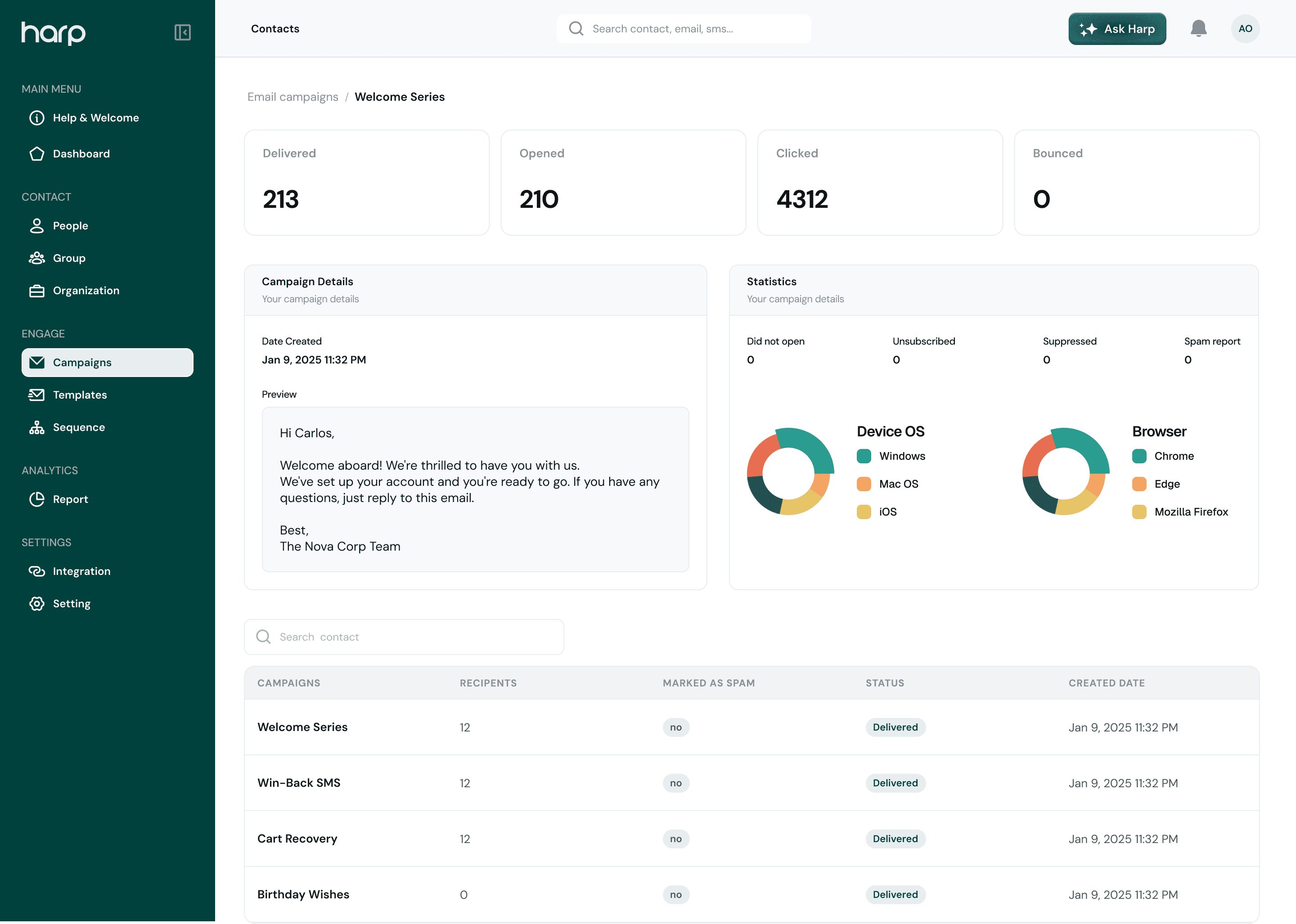
At a glance
The numbers that tell you what’s working.
Follow every campaign from send to click. Detailed analytics are included from the Basic plan.
Sent
12,480
This month
Delivered
12,105
97% of sent
Opened
5,810
48% of delivered
Clicked
1,452
12% of delivered
Channel performance
Compare how each channel performs.
See delivery and engagement for email, SMS, push notifications, and WhatsApp side by side, so you know where your customers respond.
- Delivery for every channel
- Opens and clicks where they’re tracked
- Rates shown alongside the totals

Channel performance
- Sent12,480
- Delivered12,10597%
- Opened5,81046.6%
- Clicked1,45211.6%
Delivery reports
Follow a single message from send to click.
Open a delivery report to see whether a message arrived, whether it was opened or clicked, and exactly when each step happened.
- Delivery status for every recipient
- Opened and clicked, per recipient
- A timestamped delivery timeline
Delivery report
DeliveredSeptember Offer · Email
Recipient engagement
Opened
Yes
Clicked
Yes
Delivery timeline
Sent
Sep 30, 10:00:02
Delivered
Sep 30, 10:00:05
Opened
Sep 30, 10:42:18
Clicked
Sep 30, 10:43:01
Tracked events
Every important moment, recorded.
Harp records these email events, and can send them to your own systems through webhooks.
Sent
The email left Harp successfully.
Delivered
It reached the recipient’s inbox provider.
Opened
The recipient opened the email.
Clicked
The recipient clicked a link.
Bounced
The email couldn’t be delivered.
Complained
The recipient marked it as spam.
Connected workflow
Insights that feed your next campaign.
- 01
Send
Campaigns and sequences go out.
- 02
Deliver
Harp tracks every message.
- 03
Engage
Opens and clicks are recorded.
- 04
Learn
See what customers respond to.
- 05
Improve
Use it to shape what you send next.
Know what works,and do more of it.
Understand every campaign from one connected workspace, and use it to grow.